Portbase Integration: Avoid sFTP Migration Failures for IT & Logistics
Practical Portbase integration checklist for IT and logistics: registration, security, testing, €249.50 fee and a Logentic fast path.

To integrate with Portbase, register your organization in IAMconnected, request the specific Portbase service you need, and build a system link that uses the JSON REST API and webhooks wherever that service supports them. Fall back to SFTP, AS2, or SMTP only when no modern API exists for that service. Test everything in a separate test environment first, follow Portbase’s published security guidance, and check whether your existing sFTP links fall under the SFTP migration deadline before you build anything new.
TL;DR:
- Portbase prefers using JSON APIs and webhooks for real-time updates, while legacy systems should stick to SFTP, AS2, or SMTP based on existing formats.
- Building an in-house system requires mapping data schemas and thorough testing, which can extend timelines, especially without vendor support.
- Security measures include MFA on IAMconnected accounts, encrypted traffic with RSA keys, and layered web security like HTTPS and signature verification.
- Administrative setup, including obtaining signatory approval and linking IAMconnected, is the main bottleneck, often delaying technical development.
- Existing sFTP links must migrate to the System Links Portal before the deadline to avoid potential connection disruptions.
Table of Contents
- Portbase Integration Steps: What to Prepare Before You Touch Code
- Which Connection Methods Does Portbase Support?
- How Do Cargo Controller and Cargo Declaration APIs Differ?
- What Security Requirements Does Portbase Expect?
- How Should You Test a Portbase System Link Before Going Live?
- What Does a Portbase Integration Cost and How Long Does It Take?
- Are You Still Using an sFTP System Link? Read This First
- What I’d Tell a Team Starting This Project Today
- Skip the Build: Let Automation Handle the Portbase Data Entry
- Sources
- FAQ
Portbase Integration Steps: What to Prepare Before You Touch Code
Every Portbase integration starts as an administrative task, not a technical one. Before a developer opens a single API document, someone on your team needs to create an IAMconnected account and link it to your organization’s Chamber of Commerce registration. That account becomes the identity layer for every service request you make afterward.
Your organization also needs an authorized representative on file. Portbase requires this person to sign the service contract before any system link goes live, and delays here are the single most common reason integration timelines slip. Gather this before you request anything:
- Company registration details and the authorized signatory’s contact information
- The specific Portbase service you want (Cargo Controller Import, Cargo Declaration Import, or another module)
- A technical contact who can receive API credentials and test environment access
- A decision on whether you’ll build in house or bring in a vendor already known to Portbase
That last point matters more than it looks. Vendors with an established relationship to Portbase tend to move through onboarding faster, since Portbase already trusts their implementation patterns and support processes. Building in house gives you more control over the roadmap, but it also means your own team absorbs every unfamiliar edge case in the system links documentation.
Which Connection Methods Does Portbase Support?
Portbase supports four connection paths, and picking the right one depends on what your system can already produce and how fast you need data to move. SFTP, SMTP, and AS2 handle batch exchanges of EDIFACT, XML, or CSV files, which is a natural fit if your TMS already generates those formats for other trading partners. Modern REST APIs using JSON, paired with webhook push notifications, are available for several Portbase services and are the better long-term choice for anything that needs near-real-time status updates.
A few practical rules for choosing between them:
- Legacy TMS platforms that already speak EDIFACT should stick with AS2 or SFTP rather than force a JSON conversion layer.
- New builds or systems already exposing REST endpoints should default to the JSON API and webhook model.
- Batch file transfer suits overnight reconciliation; webhooks suit anything where operations staff need to see a status change within minutes.
- If a service offers both a legacy IFTMCS message format and a JSON equivalent, expect Portbase to phase out the older format on its own timeline, so build the JSON path now rather than migrate twice.
Mixing methods across services is normal. A forwarder might run Cargo Declaration Import over JSON while still using AS2 for an older customs message stream, at least until that stream gets a modern equivalent.
How Do Cargo Controller and Cargo Declaration APIs Differ?
The two most commonly integrated services work differently under the hood, and that difference should drive your build order. Cargo Controller Import pushes status updates to you through webhooks rather than waiting for you to poll. Portbase provides API specifications and test stubs for this, but your endpoint still has to handle the messy realities of webhook delivery: duplicate deliveries, out-of-order arrivals, and retries after a timeout. Design for idempotency from day one, not as a patch after your first production incident.
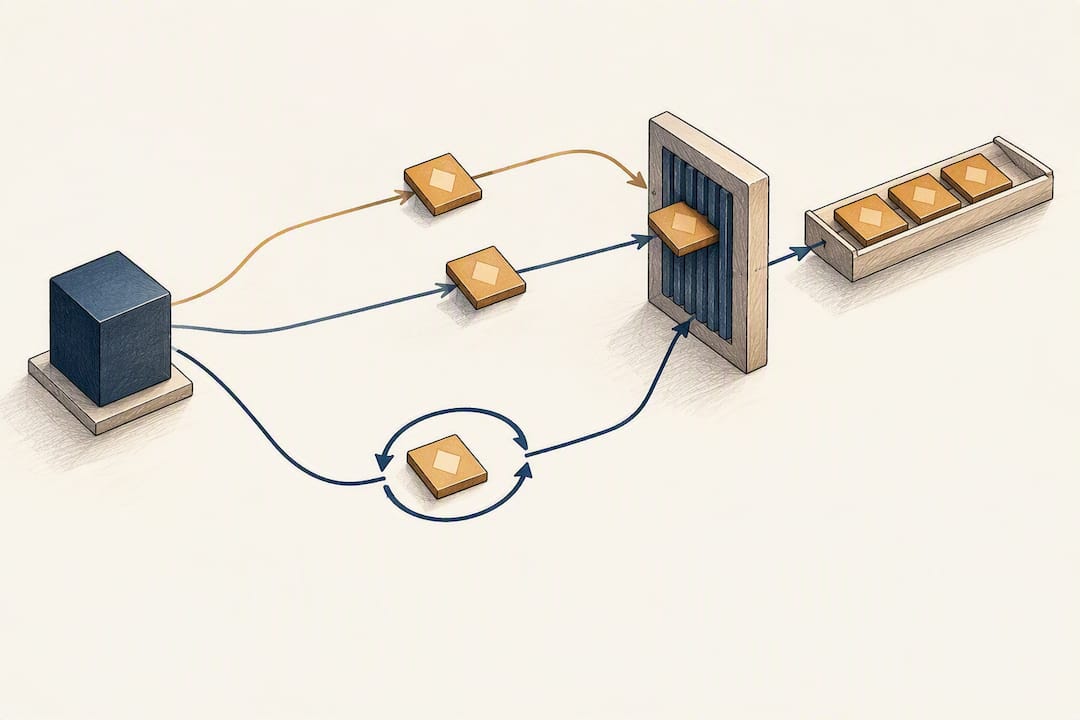
Cargo Declaration Import favors a JSON API model, and Portbase’s own implementation documentation recommends building against it directly rather than the older IFTMCS message structure, which is being revised on its own version timeline.
A workable project sequence looks like this:
- Assemble a small team: one integration developer, one logistics process owner who understands the document flow, and one person with IAMconnected admin rights.
- Map your internal data model to the target service’s JSON schema or IFTMCS structure before writing any code.
- Build against the test stubs Portbase supplies, then validate webhook idempotency and retry logic separately from happy-path testing.
- Schedule a go-live window only after acceptance testing passes on both format validation and error handling.
Timelines vary widely depending on internal resources, but engaging a vendor already known to Portbase tends to compress this schedule considerably compared to a first-time in-house build.
Pro Tip: Build your webhook receiver to log every incoming payload before processing it, even ones you plan to discard. That raw log becomes your best debugging tool the first time Portbase support asks what your system actually received.
What Security Requirements Does Portbase Expect?
Portbase’s security expectations sit on top of standard integration hygiene, and skipping any one of them tends to surface as a support ticket later rather than a clean rejection up front. Multi-factor authentication on every IAMconnected account is the baseline; treat service access as tied to specific authorized identities, not a shared login passed between team members.
For file-based links, RSA key pairs secure SFTP and AS2 traffic. Ask Portbase directly about key rotation support when you set up the connection, since rotation policy varies by service and isn’t something you want to discover mid-incident. For API and webhook connections, layer in HTTPS everywhere, signed payloads or JWT verification on inbound webhook calls, and nonce or timestamp checks to block replay attempts.
- Enable MFA on all IAMconnected accounts tied to the integration.
- Rotate RSA keys on a defined schedule and confirm Portbase’s rotation process in advance.
- Whitelist Portbase’s IP addresses on both test and production endpoints.
- Log every webhook receipt, signature check, and processing outcome for audit purposes.
Pro Tip: Treat your test environment’s security configuration as seriously as production. A whitelisting gap in test is the most common reason a working integration suddenly fails after cutover, because nobody re-checked the IP list.
How Should You Test a Portbase System Link Before Going Live?
Decide early whether you’re testing in a genuinely separate environment or running a controlled activation in production, and write that decision down along with the reasoning. Portbase itself leans toward separate test environments for anything beyond the simplest connection, since validating complex message flows against live cargo data carries obvious operational risk.
A practical acceptance checklist before cutover:
- Confirm basic connectivity: can your system reach Portbase’s endpoint and authenticate successfully?
- Validate message format against the schema for your chosen service, whether that’s JSON or IFTMCS.
- Test webhook delivery under realistic latency, including deliberately delayed or duplicate messages.
- Exercise every documented error path, not just the success case, and confirm your system logs and surfaces each failure type.
- Run a smoke test immediately after cutover, then monitor closely for the first operational cycle before declaring the link stable.
Build a rollback step into your deployment plan too. If a production activation surfaces an unexpected message format or timing issue, you need a documented path back to the previous connection method without improvising under pressure.
What Does a Portbase Integration Cost and How Long Does It Take?
The numbers: Setting up a system link with a single Portbase service carries a one-time connection fee of €249.50. Organization registration in IAMconnected typically takes 1 to 2 working days, and requesting a specific service on top of that adds another 2 to 3 working days.
That administrative timeline is the fast part. The technical build, testing, and cutover on top of it stretches out depending on how many services you’re connecting and how much of your team’s time is dedicated to the project rather than split across other priorities. Tasks like coordinating RSA key rotation, confirming IP whitelisting across environments, and aligning with a customs broker or carrier partner on data formats commonly add weeks that a simple connectivity test wouldn’t reveal. Bringing in a supplier who has already built Portbase connections before tends to shorten this stretch noticeably, since they’ve already solved the format and retry edge cases your team would otherwise discover firsthand.
Are You Still Using an sFTP System Link? Read This First
Portbase has announced a migration deadline requiring customers on older sFTP system links to move their connections through the System Links Portal. Miss the deadline and your existing link risks disruption.
Act on this now:
- Inventory every sFTP system link your organization currently runs against Portbase services.
- Log into the System Links Portal and check migration status for each one.
- Schedule the migration work as its own project task, not a footnote inside a larger integration build.
- Contact Portbase support directly if any link touches a custom or legacy configuration the portal doesn’t handle cleanly.
What I’d Tell a Team Starting This Project Today
Get the authorized representative and contract signature moving before you write a line of integration code. That single administrative step blocks more projects than any technical hurdle Portbase throws at you. Roll out new connections in small, staged steps rather than flipping every service live at once, since isolating one message type at a time makes failures obvious instead of tangled. And if your timeline is tight, bringing in a supplier who already knows Portbase’s quirks is a legitimate shortcut, not a shortcut you’ll regret.
— Bogdan
Skip the Build: Let Automation Handle the Portbase Data Entry
Some providers offer freight forwarders an alternative to a ground-up API build: an AI agent that reads incoming documents and emails, extracts relevant fields, and enters them directly into the TMS rapidly, cutting out the manual re-typing often required around a Portbase submission.

A full in-house Portbase build makes sense when you have dedicated developer time and a long-term roadmap that justifies owning every layer of the connection. It makes less sense when your team is stretched thin and the real bottleneck isn’t the API itself but everything upstream of it: reading Bills of Lading, CMRs, and customs certificates, then getting that data into the right fields without error. Logentic’s Portbase integration handles exactly that gap, alongside automated B/L and CMR processing and customs preparation for the documents that typically surround a Portbase submission. If your team is weighing a multi-week build against a faster path to the same operational result, consider exploring pilot options available through service providers to assess fit against your document volume.
FAQ
How Long Does a Portbase Integration Take Start to Finish?
Administrative onboarding alone runs 1 to 2 working days for registration plus 2 to 3 working days for a service request. The technical build and testing on top of that varies with team capacity and how many services you’re connecting; working with a vendor already familiar with Portbase tends to shorten it.
What Is the One-Time Cost to Connect to a Portbase Service?
Portbase charges a one-time connection fee of €249.50 per service. This covers the initial system link setup and is separate from any internal development cost your team incurs building the integration itself.
Should I Use SFTP or the JSON API for a New Portbase Connection?
Use the JSON REST API and webhooks whenever the target service supports them, since they deliver near-real-time updates without batch delays. Fall back to SFTP or AS2 only for services or legacy systems that don’t yet offer a modern API path.
What Happens if I Don’t Migrate My sFTP Link in Time?
Portbase has set a migration deadline for existing sFTP system links, and missing it risks connection disruption. Check your link status in the System Links Portal now rather than waiting for a failure to surface it.
Can Logentic Help With My Portbase Integration Instead of Building It Myself?
Yes. Logentic’s Portbase integration automates the document extraction and TMS data entry work that typically surrounds a Portbase connection, reducing manual processing time significantly compared to manual handling. Current pricing details are available directly on the Logentic site.
Recommended
Want to see how Logentic automates this work?
Book a call →